Last month, one of our customers contacted us because their server suddenly became inaccessible.
The surprising part?
The server itself was not faulty.
The processor was fine.
The motherboard was fine.
The problem came from a storage component worth only a fraction of the server value.
Unfortunately, the downtime cost the company much more than the failed part itself.
Why This Happens
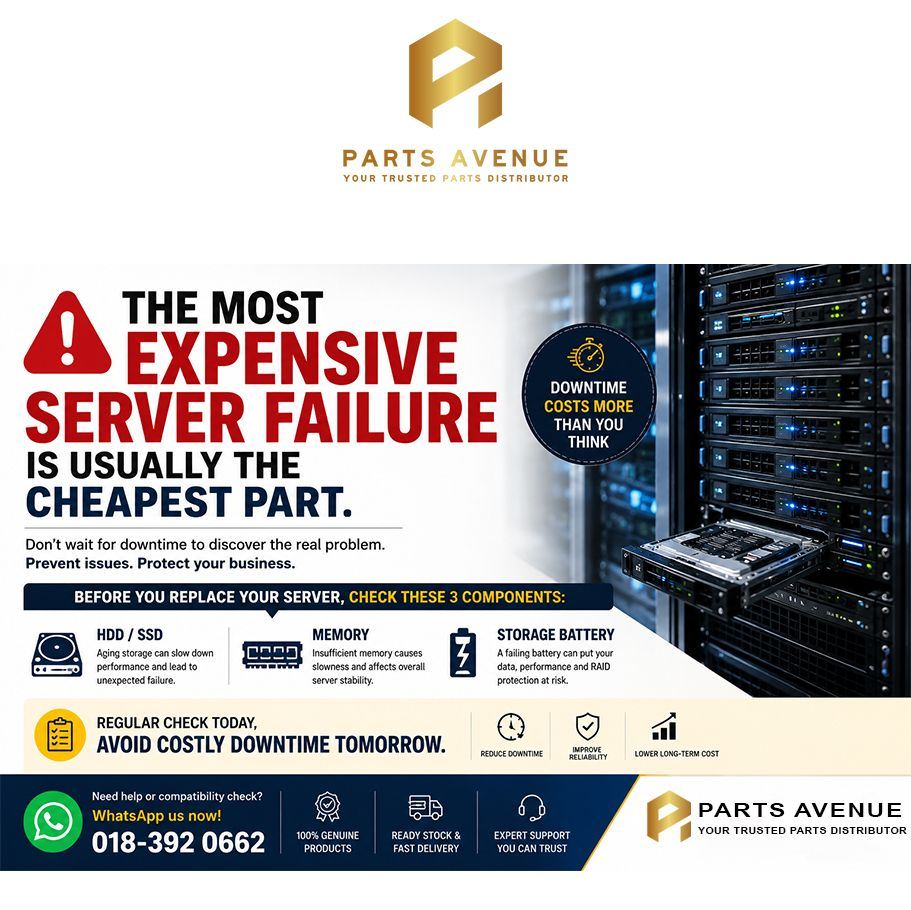
Many companies continue running servers for years without checking:
- HDD health
- SSD lifespan
- Memory utilization
- RAID battery status
Everything appears normal until performance drops or a component fails unexpectedly.
Three Components Worth Reviewing This Year
1. Server Storage
Enterprise HDDs and SSDs work continuously.
Even if there are no visible errors, performance degradation can occur long before complete failure.
2. Server Memory
As applications grow, RAM becomes one of the most common performance bottlenecks.
Adding memory is often one of the simplest ways to improve server responsiveness.
3. RAID / Smart Storage Battery
Many IT teams overlook this component.
When the battery reaches end-of-life, write cache protection can be affected, potentially impacting storage performance and reliability.
Before You Approve a New Server Budget
Many companies immediately consider replacing an entire server.
Sometimes a proper review of:
- HDD
- SSD
- Memory
- Storage battery
Can extend server lifespan significantly and delay unnecessary capital expenditure.
Need a Compatibility Check?
Simply send us:
- Server model
- Current specifications
- Existing HDD / SSD / RAM information
Our team can help review compatible upgrade options.
Contact Parts Avenue
 WhatsApp: 018-392 0662
Genuine HPE, HP and enterprise server components.