


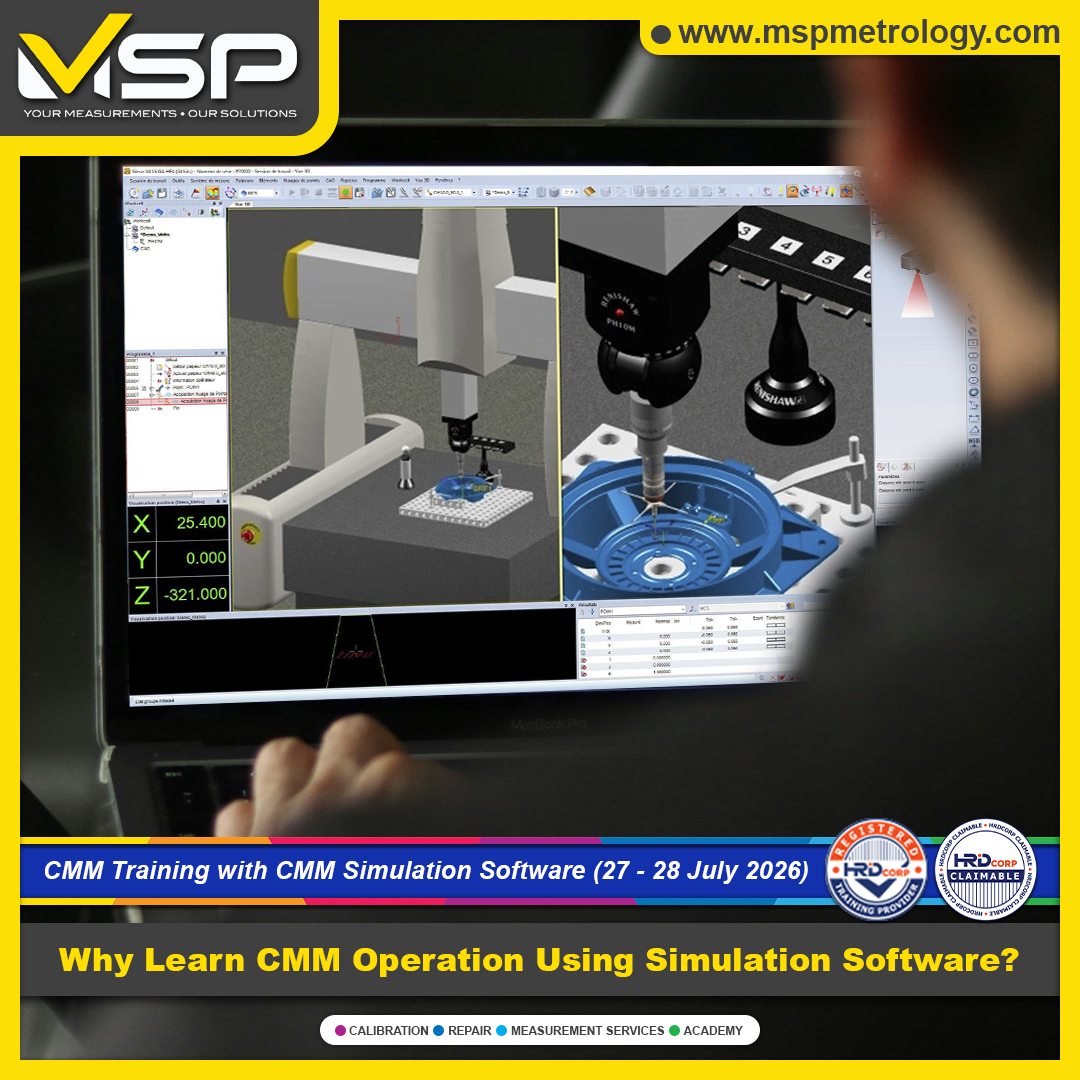
Learning to operate a Coordinate Measuring Machine (CMM) is an essential step for quality engineers, inspectors, technicians, and manufacturing professionals. However, many conventional CMM training programs face practical limitations that prevent participants from gaining enough real-world experience.
This is where CMM Simulation Software Training offers a significant advantage.
Using an industry-standard virtual CMM environment, participants can confidently learn programming, measurement strategies, inspection workflows, and GD&T applications before operating an actual machine. The result is faster learning, greater confidence, and better preparation for real manufacturing environments. Simulation-based training allows learners to make mistakes, correct them, and improve without risking expensive equipment or production parts.
Limited Hands-On Machine Time
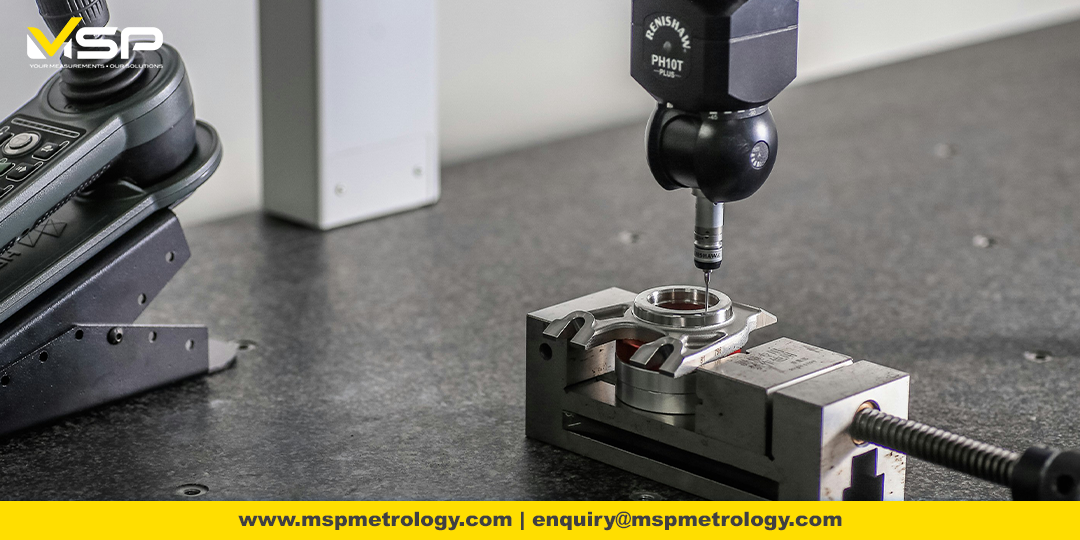
Many training providers only allow participants to observe demonstrations because actual CMM machines are expensive and production schedules leave little room for extended practice.
As a result, participants often finish the course without enough confidence to operate a CMM independently.
Common Issues- Very limited machine access
- Fear of probe collision
- Risk of damaging expensive equipment
- Risk of damaging customer samples
- Insufficient programming practice
Outdated Software and Technology
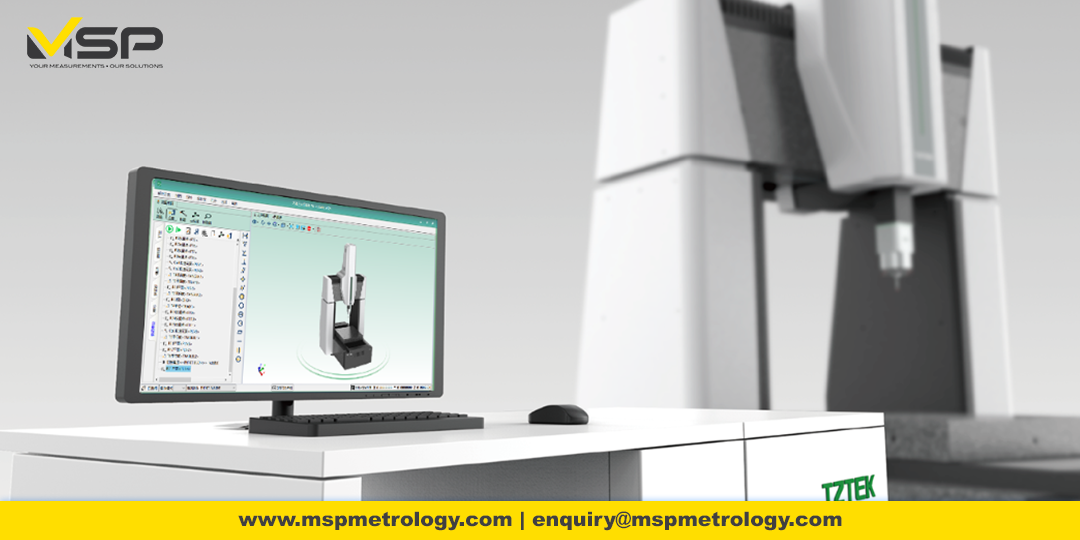
Some training centers continue using older software versions that no longer reflect current industrial practices.
Modern metrology software continues to evolve with improved programming tools, reporting capabilities, CAD integration, and workflow enhancements. Learning on outdated systems means participants may require additional retraining when entering the workplace.
Training Focuses Only on Machine Operation
.png)
Knowing how to move a probe is only one part of becoming a competent CMM operator.
Many basic courses spend most of the time teaching software navigation but provide little exposure to:
- Engineering drawing interpretation
- GD&T principles
- Inspection planning
- Measurement strategy
- Industrial quality control workflows
Without understanding why measurements are performed, operators often struggle when inspecting real production parts. GD&T knowledge is essential for accurate inspection, reducing manufacturing errors, and improving communication between design, production, and quality departments.
Practice Without Fear
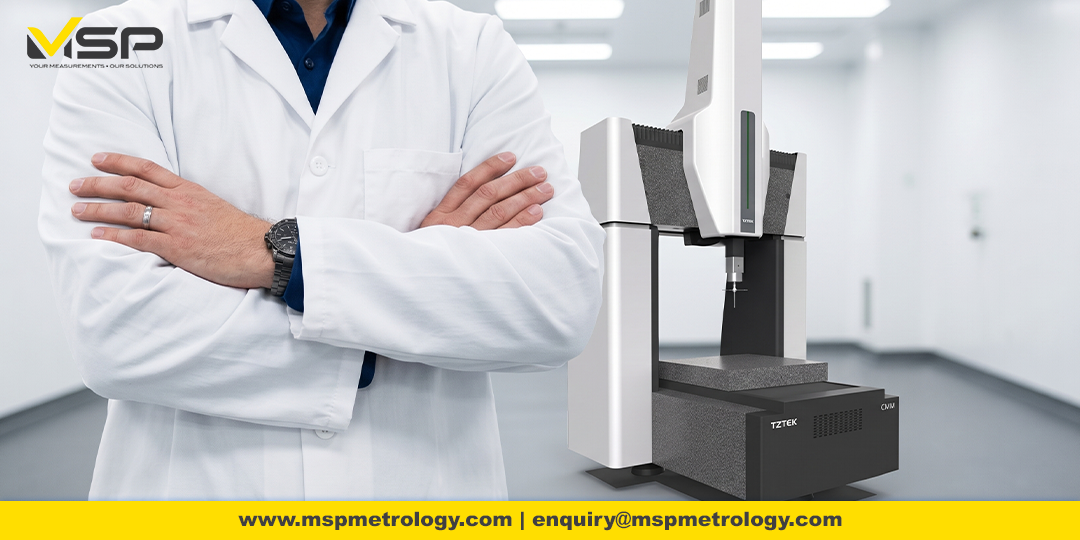
Simulation software creates a realistic virtual CMM environment where participants can:
- Practice unlimited inspection routines
- Learn safe probe movements
- Detect programming mistakes before running on a real machine
- Build confidence without risking machine damage
- Repeat exercises until fully understood
Research and educational programs have shown that simulation allows students to perfect measurement plans before operating physical CMM equipment, improving both learning efficiency and confidence.
Learn Using Modern Industry Software
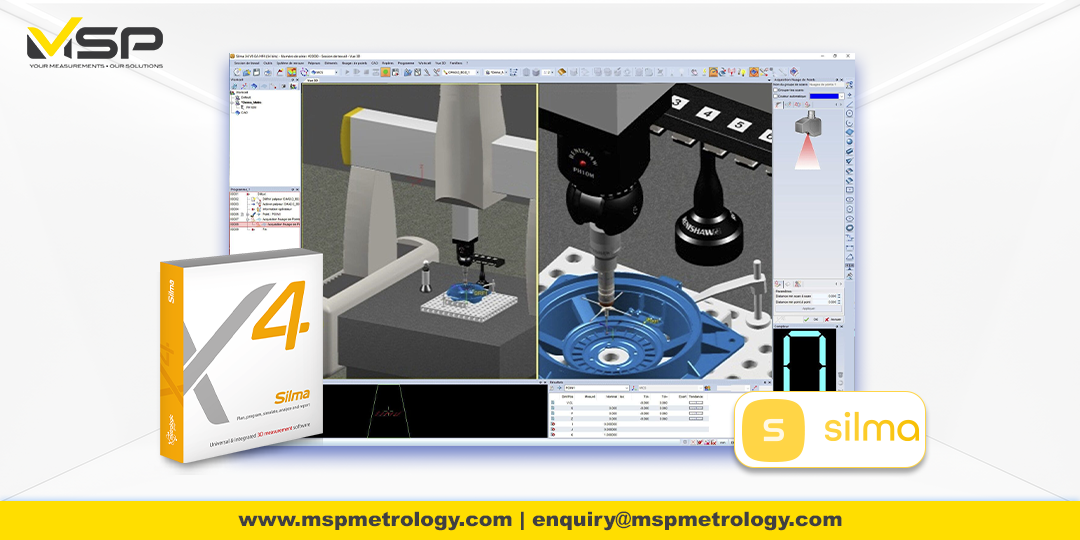
Training with the latest metrology software prepares participants for today's manufacturing environment.
Benefits include:
- Modern programming workflow
- Advanced inspection function
- CAD-based measurement
- Professional inspection reporting
- Better preparation for current industry requirements
Keeping up with the latest software versions also helps operators take advantage of new productivity and quality improvements introduced in modern metrology platforms.
Learn Software Used by Manufacturers Worldwide
Industry-recognized metrology software is widely adopted by manufacturers across automotive, aerospace, precision engineering, electronics, medical device, and general manufacturing industries.
Learning globally recognized software makes your skills more transferable and increases your value in the job market.
Understand Engineering Drawings and GD&T
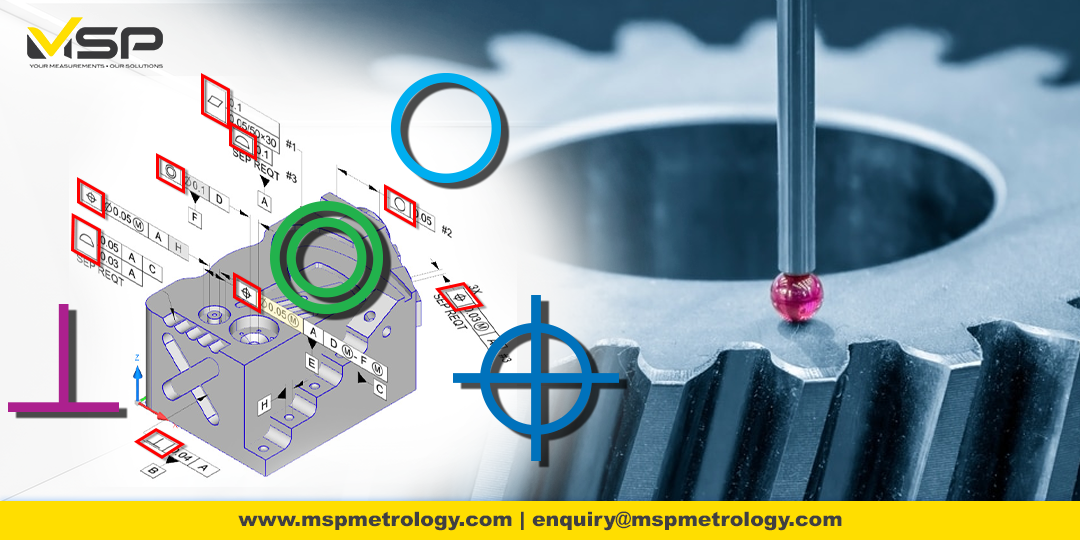
A good CMM operator does more than measure dimensions.
Professional CMM training should also cover:
- Engineering drawing interpretation
- Datum systems
- Coordinate systems
- GD&T fundamentals
- Feature creation
- Measurement strategy
- Inspection planning
- Professional reporting
These skills enable operators to understand design intent and perform inspections that truly support manufacturing quality, rather than simply collecting measurement points.
Develop Skills That Apply Directly to Industry
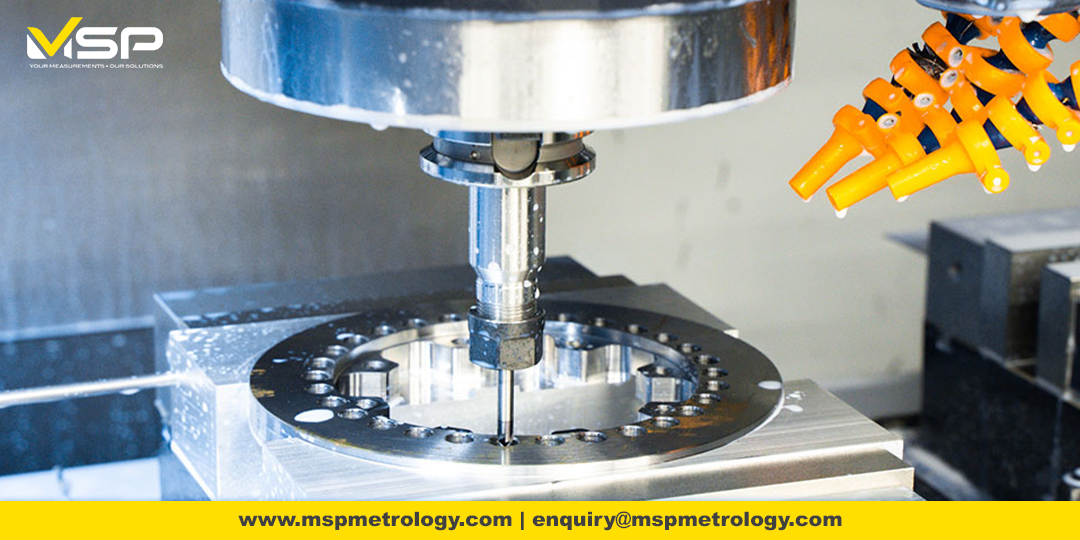
Simulation-based training mirrors real inspection workflows used by manufacturers.
Participants learn how to:
- Create inspection programs
- Measure production parts efficiently
- Validate GD&T requirements
- Generate inspection reports
- Improve repeatability
- Reduce operator errors
- Support quality assurance activities
These practical competencies help participants transition more smoothly from training into actual production environments.
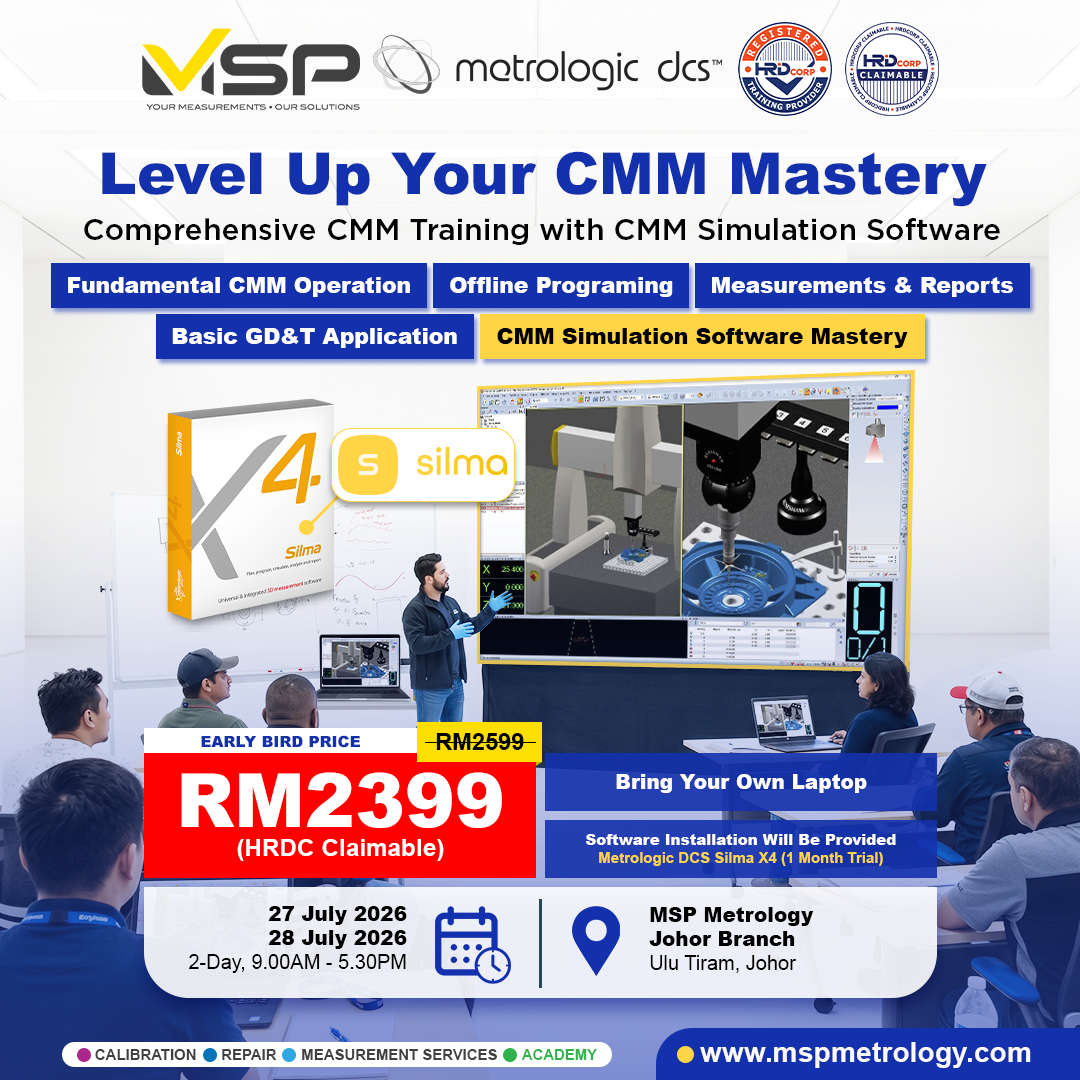
Instead of spending valuable training hours waiting for machine access, simulation allows every participant to actively learn, practice, and solve inspection challenges in a safe environment.
By combining simulation software with engineering drawing interpretation, GD&T fundamentals, and practical inspection exercises, participants gain a more complete understanding of dimensional metrology and become better prepared for today's manufacturing industry.
Whether you are new to Coordinate Measuring Machines or looking to upgrade your inspection skills, simulation-based CMM training provides a safer, smarter, and more effective pathway toward becoming a confident CMM programmer and operator.
Need Help Finding the Right Metrology Solution?
Whether you're evaluating metrology software, CMM systems, or measurement workflows, our specialists are ready to help you identify the most suitable solution for your application and quality requirements.
Speak with Our SpecialistsExplore Metrologic DCS Solutions
Discover advanced metrology software for CMM programming, offline simulation, digital inspection, reporting, GD&T analysis, and quality control automation.
Browse Metrologic DCS Solutions


