


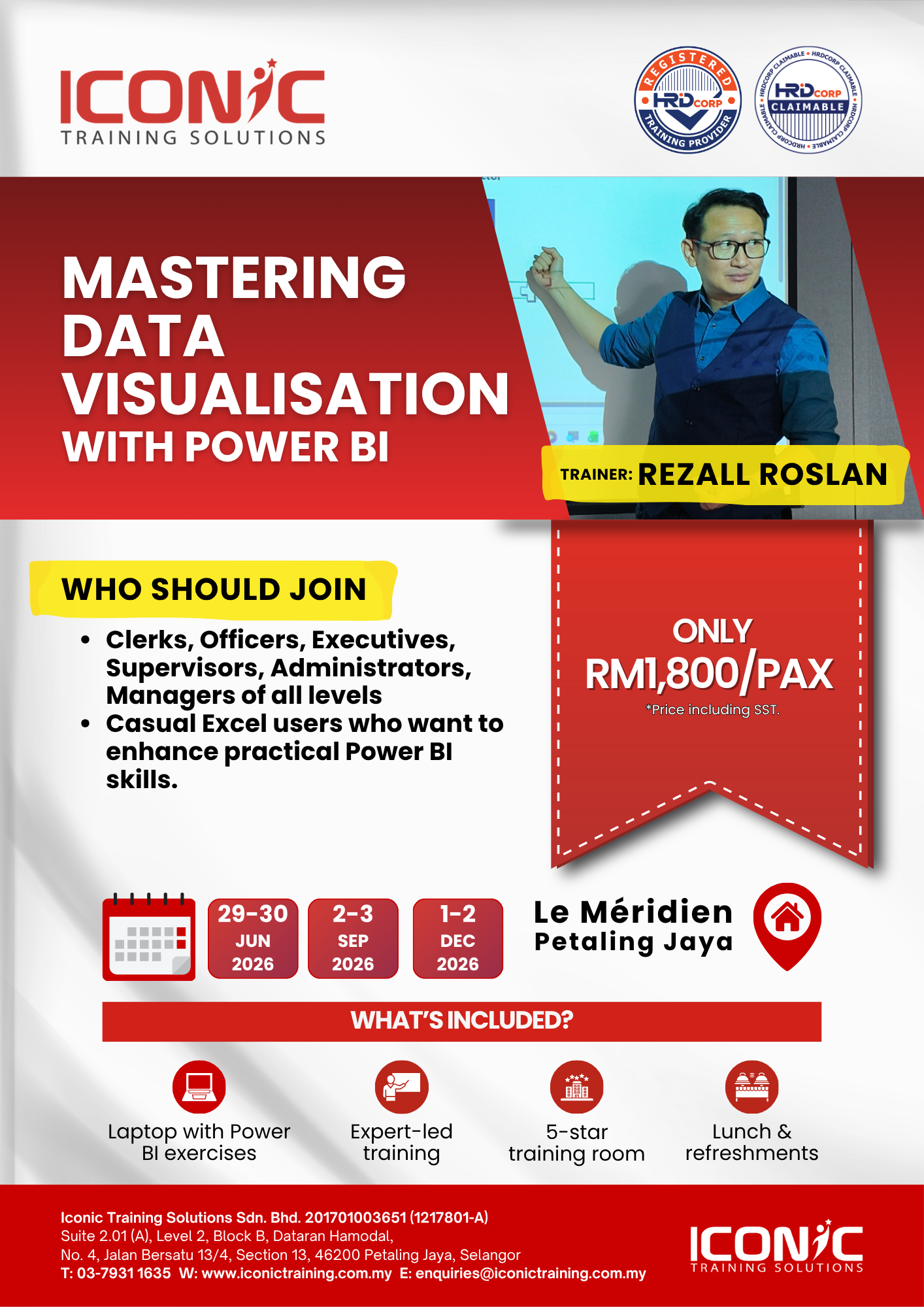
Mastering Data Visualization With Power BI
Prequisites
Must have basic knowledge on Excel PivotTable (If not, please attend Excel Advanced Course).
Learning Outcomes / Benefits
After completing this course, students will be able to:
- Describe self-service BI.
- Describe the Power BI suite of products.
- Connect to data sources and optimize data models.
- Shape and combine data from different sources.
- Model data.
- Create reports and manage solutions.
Key Content
Module 1: Understanding Business Intelligence
- Why is Data Analytics Important?
- What is Business Intelligence (BI)?
- What is Self-Service BI?
Module 2: Understanding Power BI
- Power BI (Desktop vs Mobile vs Service)
- Licences (Free vs Pro vs Premium)
- Frequent Updates and Changes
- BI Steps in Power BI
Module 3: Getting Data in Power BI
- Understanding Power BI Navigation
- Exploring Different Data Sources in Power BI
- Getting Data from the web
- Get data from files for Power BI
Module 4: Data Transformation
- What is Power Query and Data Transformation?
- Navigating Power Query Editor
- Renaming Columns and Changing Data Types
- Duplicating Columns
- Splitting and Merging Columns
- Change Cases, Trimming and Cleaning
Module 5: Data Modelling
- Understanding the navigation of the model view
- What is Data Modelling?
- What is a Unique Identifier?
- Creating a New and Editing a Relationship
Module 6: Introduction to DAX
- What is DAX?
- Why is DAX so important?
- DAX Prerequisites
- What are Calculated Columns and Measures?
- Calculating a column using DAX
- Calculating a Measure using DAX
Module 7: Data Visualization
- Understand the navigation of the Report View
- Creating Reports
- Understanding Pages
- Understanding Fields
- Understanding Visualization
- Creating Visualization
- Formatting Visualization
Module 8: Exploring Filters
- Cross Filtering through Visuals
- Creating Slicer
- Understanding Page and Report Level Filter
Module 9: Power BI Service
- Navigation with Power BI Service
- Navigating Reports
- Add Live Power BI Report to PowerPoint
Target Audience
This course is designed for Clerks, Officers, Executives, Supervisors, Administrators, Managers of all levels; and personnel who already know and understand and want to further enhance their knowledge and practical uses of Microsoft Excel.
Methodology
This program will be conducted with interactive lectures, PowerPoint presentation, discussion, and practical exercise.