Intuitive configuration software for safety products from SICK
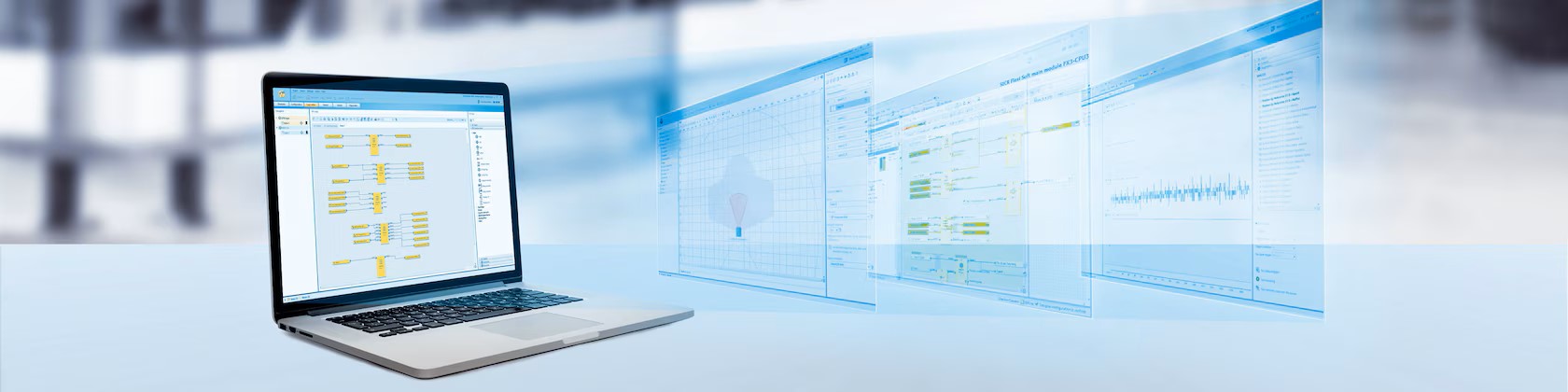
Intuitive project planning of SICK safety sensors and safety controllers is carried out using the free Safety Designer configuration software. With the software, you simply select hardware components and link logic functions. For you, this means quick configuration of safety controllers, safety switches and other safety components. The documentation function, the diagnostic concept and the networking dialog function of the software provide crucial support for cost-saving engineering. This enables you to quickly commission even complex mobile applications and networked systems with many individual components.
Safety Designer AT A GLANCE
Benefits
-With just one tool, you can intuitively configure complete safety solutions, from simple to networked applications
-Implement individual applications in compliance with standards
-Take advantage of the reliable, detailed documentation
-Reduce unplanned downtime thanks to sophisticated diagnostic functions
-Comply with global safety standards by easily implementing safety functions
Features
-Process-oriented, intuitive step-by-step configuration for many SICK safety products
-Verification and reporting – for each device individually or for the entire project
-Comprehensive diagnostics including data recorder
-Compliance with established global safety standards
ADVANTAGES
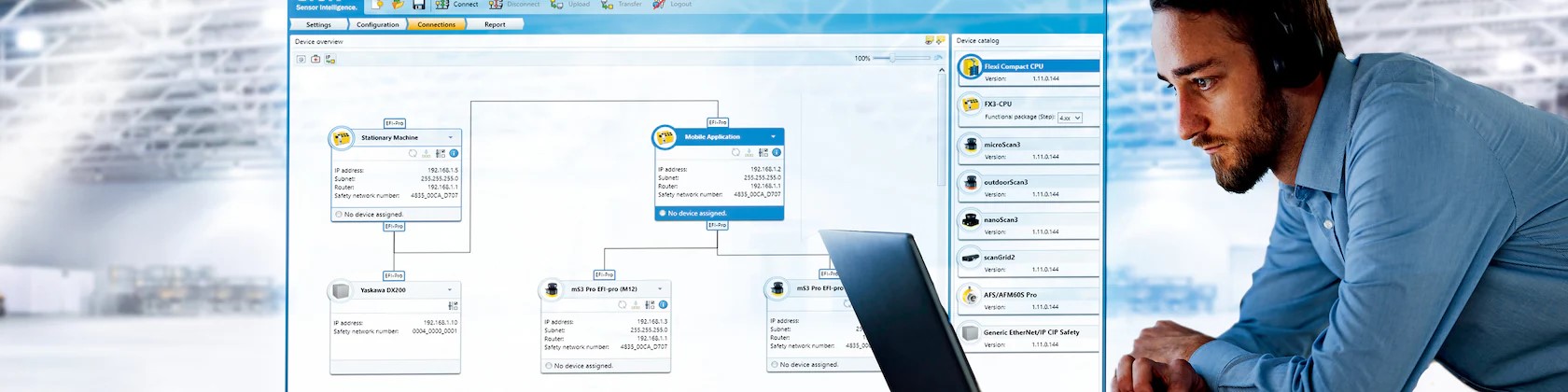 A software for safety applications
With the Safety Designer configuration software, you can link numerous safety products and configure them in compliance with standards. For instance, you can configure a single sensor and connect it to other sensors in your system. With the software, you can design a complete project consisting of safety controller and certified function blocks.
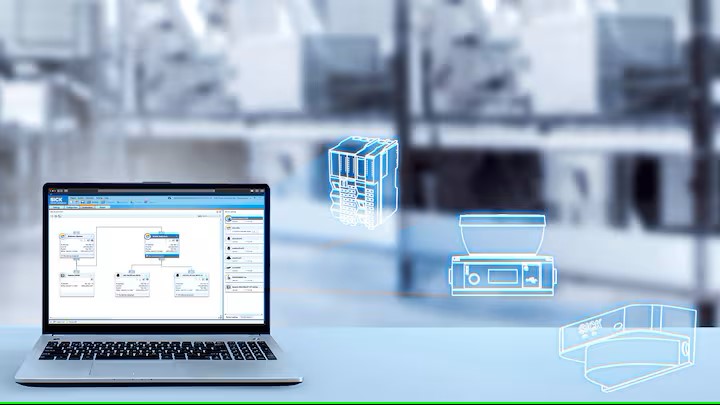
Extensive device catalog
You will find almost all configurable safety products from SICK in the main window of the Safety Designer software. Simply drag these products into your project and configure the individual product in the uniform user interface of the device window.
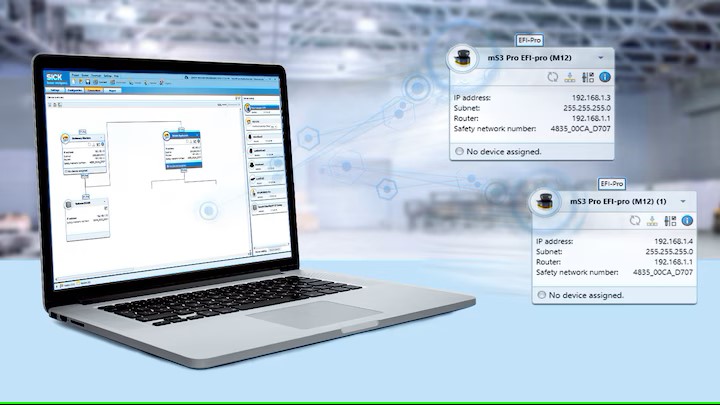
Linking safety components made easy
In the “Networking” dialog box, you connect safety components to each other. This allows you to configure extensive projects with certified function blocks in just one software.
Configure your safety solution with just one intuitive configuration software
 Expertise taken one step further
Clear and simple: Safety Designer is a comprehensive configuration software for safety products from SICK with a clear user interface. The software is particularly impressive due to its simple user guidance. The software makes it easy to manage configuration parameters and sensor data.
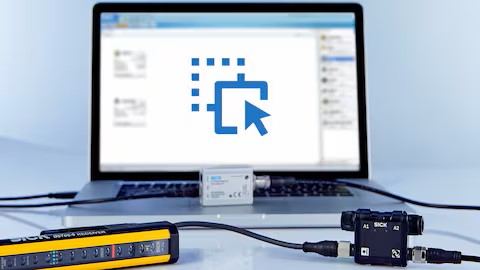
Intuitive via drag and drop
Using the Safety Designer software, you simply drag configurable safety products from SICK from the device catalog into the hardware configuration. The required function blocks and logic links can then be placed intuitively in the graphical logic editor.
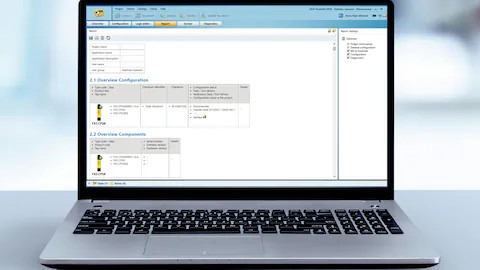
Legal compliance verified
After successful configuration, you can simulate your solution using Safety Designer. This means adjustments, for example in the logics, are easy. Verification of your safety functions is well-thought-out and standard-compliant.
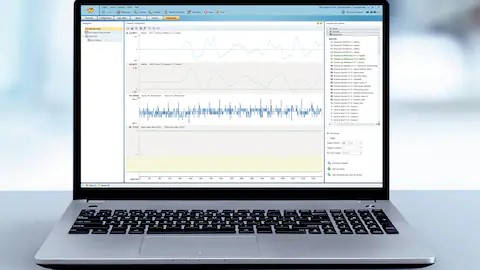
Monitoring down to the last detail
Safety Designer offers a complete report of your project with parts list and wiring diagram as well as a data recorder. This means you can monitor and record all the data from the safety products in your application in real time.
Experience fast configuration, standard-compliant verification and effective diagnostics
 Configurations monitored at a glance
Are you looking for a simple solution to configure and combine safety functions on your machine? With the Safety Designer configuration software you can plan, configure and diagnose all types of safety applications. The logic editor provides you with advanced functionalities in the system configuration.
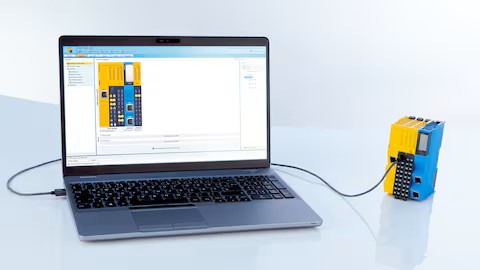
Reliably control applications
Safety controllers monitor the safety of your machine. In the Safety Designer software, you will find numerous safety sensors for the project planning of machine concepts, which later ensure reliable machine monitoring. With the help of the software, the sensors can be configured individually or together.
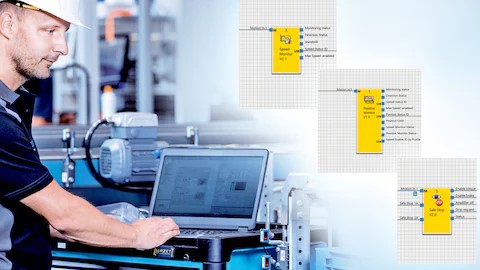
Safe movements at a glance
Safety Designer solves even demanding applications easily. Thanks to predefined and preconfigured function blocks, even drive safety functions can be made a reality. Safety encoders can also be configured with Safety Designer.
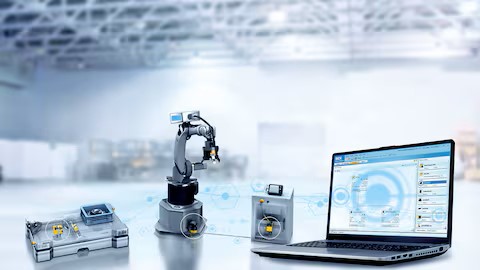
All data monitored
Safety Designer visualizes all data in the system. With just one tool, you can, for instance, check the complex system behavior of several safety laser scanners and the safety controller that are connected via Safe EFI-pro.
请登录后使用此功能。
您可以使用此功能将商品添加到您的收藏列表。
关闭
从您收藏列表中删除此商品。
关闭
请登录后使用此功能。
您可以使用此功能将公司添加到您的收藏夹列表。
关闭
这家公司已从你的收藏夹列表中删除。
关闭
请登录后使用此功能。
您可以使用此功能将公司添加到您的询问车。
关闭
这家公司已被添加到您的询问车。
关闭
这家公司已从询价车中删除。
关闭
该商品已被添加到您的询问车。
关闭
该商品已经从您的询价车中删除。
关闭
商品/公司已达到添加至询价车的数量。
关闭
Scan and Whatsapp Me
![qr code]() Note: Some mobile phone default QR scanners cannot scan to open the WhatsApp App directly.
Cancel
Note: Some mobile phone default QR scanners cannot scan to open the WhatsApp App directly.
Cancel


- 主页
- 产品 (2335)
- SICK
- Detection and Ranging Solutions
- Array sensors
- Automation light grids
- Capacitive proximity sensors
- Color sensors
- Condition Monitoring sensors
- Contrast sensors
- Cylinder sensors
- Fiber-optic sensors and fibers
- Fork sensors
- Glare sensors
- Inductive proximity sensors
- Linear measurement sensors
- Luminescence sensors
- Magnetic sensors
- Photoelectric sensors
- Distance Sensors
- Identification Solution
- Level Sensor
- LiDAR and radar sensors
- Machine vision and identification
- Motion control sensors
- Network and connection technology
- Opto-electronic Protective Devices
- Photoelectric Sensors
- Proximity Sensors
- Registration Sensors
- Safety
- Safety Products
- Sens:Control - Safe Control Solutions
- Vision
- Detection and Ranging Solutions
- Velledq
- PULS
- Binder
- Binder Connector
- Subminiature Connector
- Miniature Connectors
- Power Connector
- Connector for Medical Applications (RAL 9002)
- Automation Technology - Sensors & Actuators
- Automation Technology - Distributors, AS Interface
- Automation Technology - Data Transmission & Power Supply
- Automation Technology - Solenoid Valve Connectors
- Binder LED
- Binder Connector
- Qlightec
- I-Bon
- Canon
- 未分类
- SICK
- 最新消息
- 服务
- 相册
- 地图
- 下载
- 视频
- 工作征聘

- 联络我们
- 网站统计
访客
| 60124299808 |
| +60124299808
WeChat QR
WeChat QR


Wechat ID: +60124299808 |
槟城,六拜,新港 - Safety Designer
10-May-2024
产品规格
| Applications | Configuration software |
| Configuration method | via software |
| Configuration software | Safety Designer |
| Description | The Safety Configuration Deployment additional software makes it possible to quickly and easily copy and update a configuration already created in Safety Designer and transfer it to safety devices., The Virtual Scanner Group premium function makes it possible to display and configure the fields from several safety laser scanners in a shared field editor., The Configuration Comparison Re-Import premium function makes it possible to import a modified configuration into the master project after successful verification. |
| Designation | Safety Configuration Deployment, Configuration Comparison Re-Import, Safety Designer, Virtual Scanner Group |
| License description | The company license is purchased in packages of usage units. One (1) usage unit corresponds to one (1) successful configuration transfer to any device., "Single user" license means that the customer is entitled to use the software at one workstation., The company license is purchased in packages of device units. One (1) device unit corresponds to an unlimited number of configuration transfers to one (1) device. |
| License type | Freeware, Single, Company license |
| Number of licenses | 5 , 1 , 10 |
| Number of usage units | unlimited, 1 device unit, 10 device units, 50 device units, 50 usage units, 10 usage units, 250 usage units |
| Product family | Safety Designer |
| Product segment | Safety controllers |
| Software category | Free configuration software, Additional software, Premium function |
| Supported products | deTec4, deTem4, deTem4 A/P with DMM4, AFS/AFM60S Pro, outdoorScan3, nanoScan3, Flexi Mobile, Flexi Compact, safeVisionary2, microScan3, scanGrid2, Flexi Soft, Safe EFI-pro System |
发信息至 Truserv Technologies (M) Sdn Bhd
总办事处
Truserv Technologies (M) Sdn Bhd 199901024222 (499122-A)
3S-11-06, Setia Triangle, Persiaran Kelicap, 11900 Bayan Lepas, Penang, Malaysia.
电话:
传真:
邮件:
网址: https://www.truserv.com.my
网址: https://truserv.newpages.com.my/
网址: https://truserv.onesync.my/