


Dear Valued Customer,
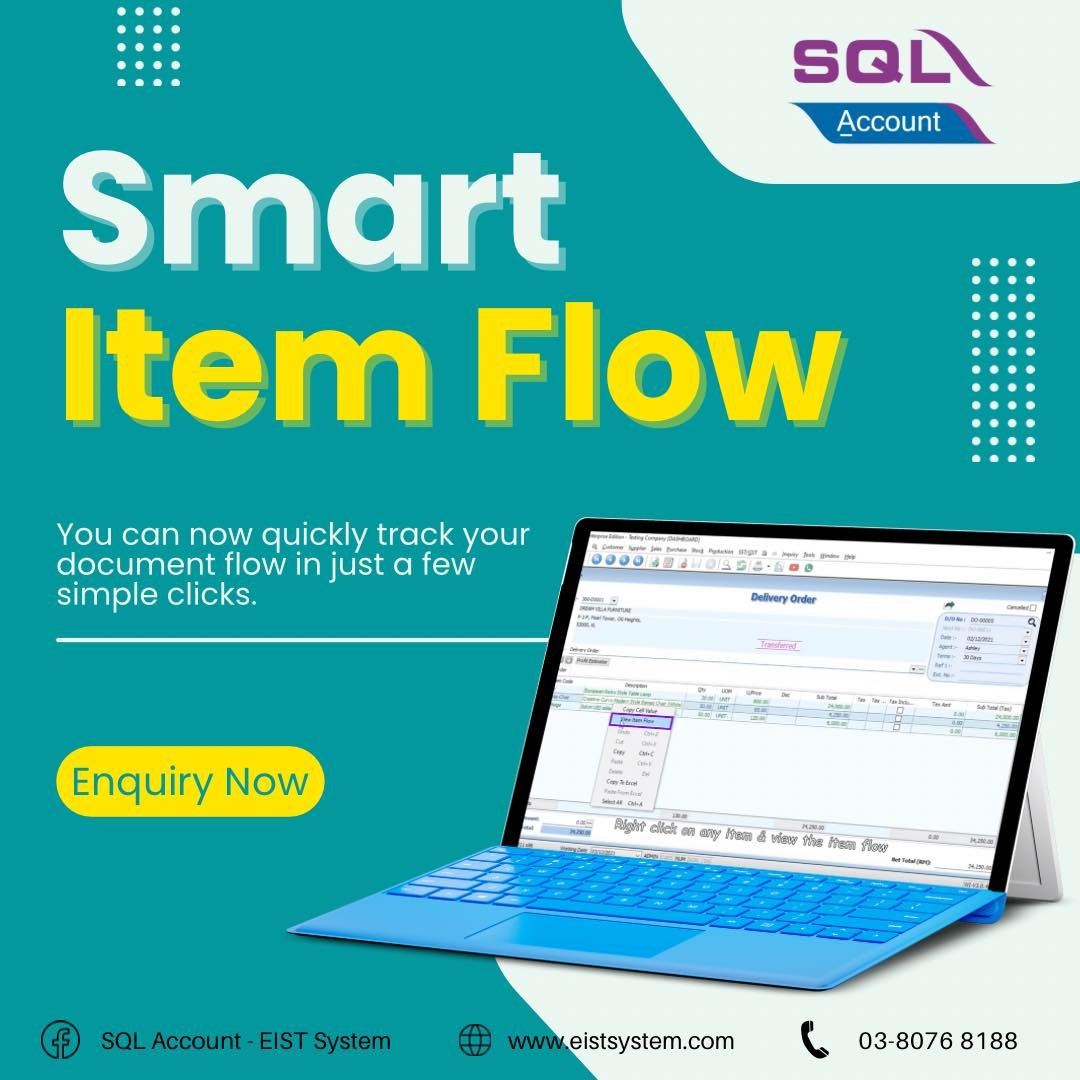
Want to check which document of an item has been transferred from and to which document it has been transferred to?
With SQL Smart Item Flow tracking, you can now quickly your document flow in just a few simple clicks.
1. You can just right-click on the item of your choice.
2. Select the ''View Item Flows'' function.
2. SQL will display the flow of the item transfer in a flow chart.
This smart item flow can be used for sales, purchases, and production.
For more information, kindly contact us at 03-8076 8188 or email us at info@eistsystem.com.
Want to check which document of an item has been transferred from and to which document it has been transferred to?
With SQL Smart Item Flow tracking, you can now quickly your document flow in just a few simple clicks.
1. You can just right-click on the item of your choice.
2. Select the ''View Item Flows'' function.
2. SQL will display the flow of the item transfer in a flow chart.
This smart item flow can be used for sales, purchases, and production.
For more information, kindly contact us at 03-8076 8188 or email us at info@eistsystem.com.

 US 7404
  BR 3068
  CA 1688
  AU 1645
  TH 1535
  JP 1456
  SG 1173
  MY 995

